
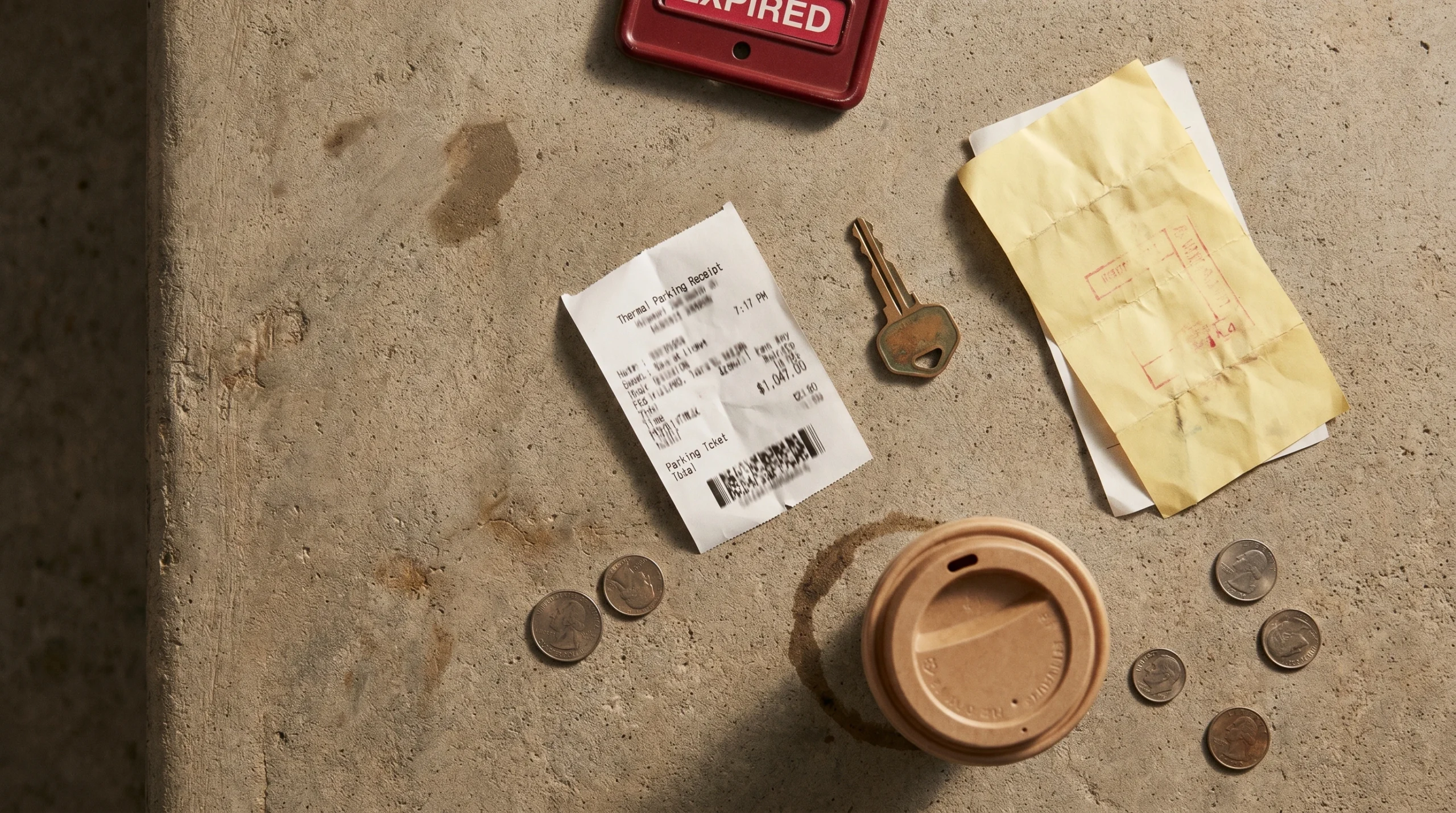
Make a realistic parking receipt in under a minute — lot name, entry and exit times, duration, hourly or flat rate, validation discount, payment details. Free, watermark-free, no signup. Built for replacing lost receipts, expense reports, and business travel reimbursement.
✓ Free forever ✓ No watermark ✓ Gallons or liters ✓ PDF + PNG export
Parking Receipt Generator
Parking receipts in 30 seconds
A parking receipt is the document a parking lot, garage, or valet service issues at exit — showing the entry time, exit time, total duration, applied rate, and payment. Parking receipts differ from other receipts in three ways: they include entry and exit timestamps, an auto-calculated duration, and often a validation discount applied by a sponsoring business (restaurant, hospital, retailer).
The Receipt Maker tool above generates these instantly for legitimate purposes — replacing lost parking receipts for expense reimbursement, documenting business travel costs, or running small parking facility records.
What you can build with this tool
The parking template handles every common parking scenario:
- Hourly parking lots — downtown lots, commercial garages with hourly rates and exit time stamps
- Flat-rate parking — event parking, daily-max garages, sports venues with single fixed fees
- Airport parking — short-term, long-term, economy lot formats with multi-day calculations
- Valet parking — restaurant, hotel, and event valet with attendant ID and ticket number
- Validated parking — when a restaurant, retailer, or hospital validates your ticket with a discount applied
- Monthly / contract parking — pre-paid monthly garage receipts with space number and validity dates
- Metered street parking — pay-station receipts and digital meter app receipts (PayByPhone, ParkMobile)
How to make a parking receipt: 3 steps
- Enter the lot details. Type in the lot or garage name (e.g., “Downtown Center Garage”, “LAZ Parking”, “SP+”, airport lot identifier), full address, phone number, and the lot/space number if applicable. Upload an operator logo if you have one (LAZ Parking, SP+, ABM, ImPark are major US operators).
- Add entry, exit, and rate. Set the date, entry time, and exit time. The duration calculates automatically. Add the hourly rate (typically $4–$15/hour in city centers) or flat rate (typical $20–$50/day). For multi-day parking, add a daily max line. If a business validated your ticket, add the validation discount as a negative line item.
- Set tax, payment, and download. Most cities apply parking tax (5–25% — Chicago is highest at 22%). Choose payment method, add the last 4 digits of the card, then click Download PDF, Download PNG, or Print.
What goes on a real parking receipt
| Section | Required fields | Notes |
|---|---|---|
| Header | Operator name, lot name, address, phone, lot number | Major operators: LAZ Parking, SP+, ABM, ImPark, ICON Parking |
| Ticket info | Ticket number, license plate (LPR systems), space number | License plate recognition (LPR) is replacing paper tickets in most modern garages |
| Time data | Entry date and time, exit date and time, total duration | Duration shown in hours and minutes, or days for multi-day |
| Rate | Hourly or flat rate, daily max if applicable | Most lots have a “max daily” cap — important for fairness |
| Adjustments | Validation discount, early bird discount, monthly contract | Validations show as negative line items |
| Totals | Subtotal, parking tax, total paid | Parking tax varies dramatically by city — see below |
| Payment | Method, card last 4, transaction ID | Most modern garages are credit-card-only |
When you actually need this tool
1. Replacing a lost parking receipt for expense reports
You parked downtown for a client meeting, expensed the parking, and your finance team is asking for the itemized receipt. Parking receipts are tiny thermal-paper printouts that fade fast and get lost in jacket pockets. The credit card statement proves the transaction, but expense systems require itemized documentation. According to the IRS (Publication 463), business transportation expenses must be substantiated with records showing amount, time, place, and business purpose — your card statement plus a reconstructed parking receipt covers all three.
2. Self-employed parking deductions
Freelancers, consultants, real estate agents, and sales reps often pay for parking when meeting clients or attending business events. These are deductible business expenses but require itemized receipts. If you’ve lost a few originals over the year, reconstruction from card statements is standard bookkeeping.
3. Monthly business travel parking
Frequent business travelers rack up significant airport parking expenses. Long-term lot receipts often print thermal paper that fades or get tucked into trip folders that get lost. Recreating an airport parking receipt from your booking confirmation and card statement is a common reimbursement workflow.
4. Small parking facility bookkeeping
Operating a small lot, valet service, or church parking program? You may not have a full POS system. Generating clean parking receipts for paying customers is a professional touch most small operators skip because available tools are overcomplicated.
5. Parking and mobility software testing
Building a parking app, expense management tool, or OCR receipt scanner? You need realistic parking receipts for parsing tests and screenshot mockups. The Receipt Maker tool generates clean, varied test receipts without needing real ones.
6. Insurance claims and rideshare driver records
Rideshare drivers and gig workers track parking costs for tax deduction. Insurance claims for stolen vehicles or vandalism in a parking facility require proof you were legitimately parked there. Reconstructing a receipt from your card statement supports both.
Parking tax — varies more than you’d expect
Parking is one of the most heavily-taxed transactions in many US cities. Getting the rate right is critical for receipt realism.
- Chicago: 22% combined parking tax (city + state) — the highest in the US
- New York City: 18.375% in Manhattan, 10.375% elsewhere
- San Francisco: 25% parking tax (one of the highest)
- Pittsburgh: 37.5% parking tax (the actual highest in the US)
- Boston: 6.25% state sales tax, no separate parking tax
- Los Angeles: 10% city parking tax
- Most other US cities: 5–12% combined
UK parking adds 20% VAT. EU rates 7–20% by country.
If your generated receipt shows 8% tax in Chicago or no tax in San Francisco, it doesn’t pass any reasonable check.
Validation discounts — the part most generators get wrong
Many parking facilities partner with nearby businesses to offer validation discounts. You park in the garage, eat at the restaurant or shop at the retailer, and they stamp or scan your ticket — reducing or eliminating the parking fee. On the receipt, validation appears as a negative line item with the validating business name.
Common validation patterns:
- Restaurant validation: $5–$10 off, or full validation up to a max (e.g., “first 2 hours free with $50 purchase”)
- Hospital validation: often full validation for visitors and patients
- Mall/retail validation: $3–$5 off with proof of purchase
- Hotel guest validation: reduced rate or free for hotel guests
To show validation on a generated receipt, add a negative line item like “Validation – The Capital Grille: -$8.00”. Real receipts show the validating business name explicitly.
Realistic parking receipt examples
Downtown hourly garage (3 hours)
DOWNTOWN CENTER GARAGE
LAZ Parking
500 Main Street
Chicago, IL 60601
(312) 555-1100

Ticket: 248917
Plate: ABC-1234
Space: B2-142

Entry:    05/06/2026  09:14
Exit:     05/06/2026  12:32
Duration: 3h 18min

Rate: $8.00/hour

Parking fee              $26.40
Parking tax (22%)         $5.81
                         ------
TOTAL                    $32.21

VISA ****4242   APPROVED
Auth: 091847
Restaurant-validated parking
GRAND PLAZA GARAGE
SP+ Parking
850 Park Avenue
New York, NY 10075
(212) 555-9000

Ticket: 8472193
Space: 4-218

Entry:    05/06/2026  18:42
Exit:     05/06/2026  22:18
Duration: 3h 36min

Rate: $14.00/hour

Parking subtotal         $50.40
Validation - Eleven Madison
                        -$30.00
Adjusted subtotal        $20.40
Parking tax (18.375%)     $3.75
                         ------
TOTAL                    $24.15

AMEX ****1004   APPROVED
Airport long-term parking (5 days)
LAX ECONOMY LOT C
Los Angeles International Airport
6041 W Avion Dr
Los Angeles, CA 90045

Ticket: 4827193

Entry:    05/01/2026  06:14
Exit:     05/06/2026  19:42
Duration: 5 days, 13h 28min

Rate: $18.00/day max

5 days × $18.00          $90.00
Partial day (13h)        $14.00
Parking tax (10%)        $10.40
                         ------
TOTAL                   $114.40

DEBIT ****8821   APPROVED
Tips for making your receipt look authentic
- Match duration to entry/exit times. If entry is 9:14 and exit is 12:32, the duration must be 3h 18min — not 3h 30min. Math errors are the fastest tell.
- Apply daily maximums. Most lots cap the daily rate. If hourly is $8 and daily max is $35, a 6-hour stay should bill at $35 (the max), not $48 (6 × $8).
- Use the right tax rate. Chicago 22%, NYC 18.375% Manhattan, SF 25%, Pittsburgh 37.5%. Generic 8% tax doesn’t pass a check on receipts from those cities.
- Include realistic operator names. LAZ Parking, SP+, ABM, ImPark, ICON Parking, Standard Parking, Lanier Parking are major US operators. Generic “City Parking Lot” looks fake unless it’s a small independent.
- Show LPR vs ticket-based. Modern garages use license plate recognition — the receipt shows the plate, not a ticket number. Older lots still print physical ticket numbers. Match the format to the era and city.
- Add ticket numbers realistically. Real ticket numbers are 6–8 digits, not 12345 or 0001. Use something like 248917 or 4827193.
- Use real lot addresses. A LAZ Parking receipt should show a real LAZ-operated lot’s address. Their site lists locations.
Privacy: how Receipt Maker handles your data
Everything you type into the tool runs in your browser. The lot name, times, license plate, your card last-4 — none of it touches our servers. We don’t see your receipts, we don’t store them, we don’t transmit them anywhere. When you close the browser tab, your work disappears.
Read our full privacy policy for details on cookies, analytics, and ads.
For legitimate use only
The Receipt Maker tool is intended for legal purposes — replacing lost receipts (with employer or insurer knowledge), business travel expense tracking, bookkeeping, software testing, and creative or design projects. Submitting fabricated parking receipts to defraud an employer’s expense reimbursement program, a tax authority, or an insurance company is illegal in most jurisdictions and is strictly prohibited under our Terms of Service and Disclaimer. You assume full responsibility for how you use the receipts you generate.
Frequently asked questions
How do I show entry and exit times on the receipt?
Enter the entry date and time, then the exit date and time. The duration calculates automatically. Real parking receipts show both timestamps prominently because the duration determines the fee.
What parking tax rate should I use?
Parking tax varies dramatically. Chicago is 22%, NYC Manhattan is 18.375%, San Francisco is 25%, Pittsburgh is 37.5% (the highest in the US), Los Angeles is 10%, and most other cities are 5–12% combined. UK parking includes 20% VAT. Use the actual rate for the lot’s city — generic 8% tax in Chicago looks fake immediately.
How do I include a validation discount?
Add a negative line item with the validating business name — for example, “Validation – The Capital Grille: -$8.00”. Real validated receipts show the business name explicitly. Add the negative line after the parking subtotal but before the tax calculation, since tax is calculated on the post-validation amount.
How do I handle daily maximums?
If your hourly rate is $8 and the daily max is $35, a 6-hour stay should show as $35 — not $48. Most lots cap daily rates. Add a single line item showing the capped amount with a note like “Daily max applied” if you want extra realism.
What’s the difference between LPR and ticket-based parking?
License plate recognition (LPR) systems automatically record your plate at entry and exit — no paper ticket needed. The receipt shows your plate number instead of a ticket number. Modern airport lots, downtown garages, and shopping malls increasingly use LPR. Older or smaller lots still issue physical tickets.
Can I create a multi-day airport parking receipt?
Yes. Set the entry date and exit date several days apart. For multi-day stays, the receipt typically shows the total days × daily rate, plus a partial-day charge if the stay isn’t a full multiple of 24 hours. The Receipt Maker tool lets you add multiple line items so you can split the calculation manually.
Will my receipt have a watermark?
No. Every export from Receipt Maker — PDF, PNG, JPEG, or printed — is watermark-free. We don’t gate this behind a paywall or signup.
Is it legal to use a parking receipt generator?
Using a receipt generator is legal for replacing lost receipts (with employer knowledge), business expense tracking, bookkeeping, software testing, and design work. Submitting fabricated parking receipts to defraud an employer’s reimbursement program or an insurance company is a criminal offense and is prohibited under our terms of service. Read our detailed legal explainer at is it legal to use a fake receipt generator.
Can I save my receipt and edit it later?
The tool auto-saves your work to your browser’s local storage. There’s no account or signup needed. Click “Reset” to start fresh.
What file formats can I download?
You can download as PDF (print-ready), PNG (high-resolution image), or JPEG (compressed). You can also use your browser’s print function to send the receipt directly to a printer.
Other receipt tools
If you need a different receipt format, browse our other generators:
- Restaurant receipt generator — itemized food, server name, table number, gratuity
- Gas station receipt generator — fuel type, gallons, pump number, station info
- Grocery receipt generator — long itemization, loyalty points, savings summary
- Hotel receipt generator — check-in/out dates, room rate, resort fees
- Taxi receipt generator — fare breakdown, distance, driver info
- All receipt makers →
About this guide
Written by Ashir Ali, founder of Receipt Maker. Ashir is an AI engineer with a background in software engineering and several years of experience building tools and content for small business operators. The Receipt Maker tool was built to be the fastest, cleanest, no-watermark option for legitimate receipt-generation tasks. Last reviewed: 6 May 2026.